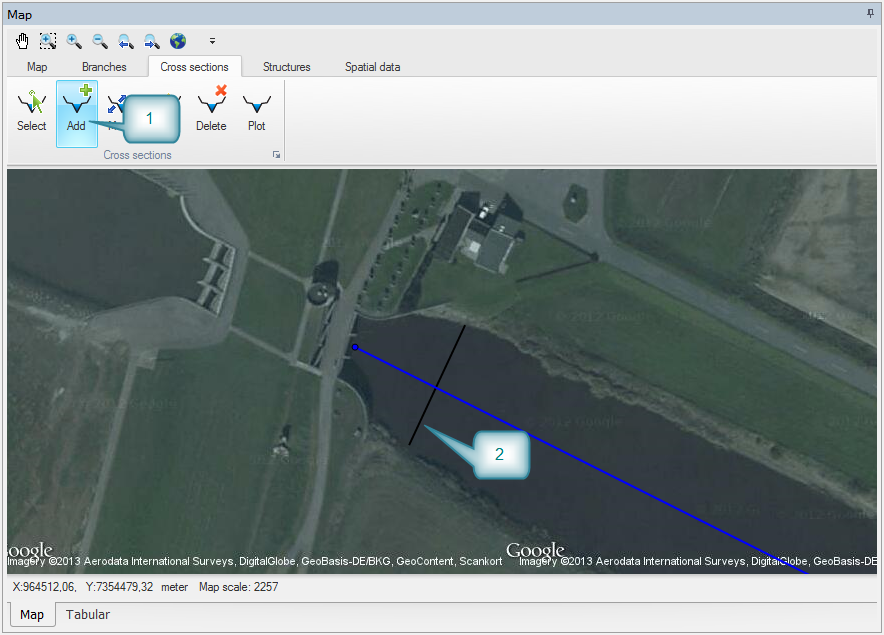
Cross sections can be drawn directly on the map. It is required as a minimum to have a cross section at each end of all branches. Insert a cross section by using the ‘Cross sections’ ribbon. Select ‘Add’ a cross section and digitise the location on the map. Click on the embankment on one side, drag the cursor and release at the other embankment.
Insert cross sections at the upstream and downstream end of both the main branch and the tributary. Note that the new cross section is shown in the ‘Cross section’ window at the bottom.
When saving the setup you will be prompted for the name of a cross section file. Place the file next to your setup.
Figure 3.7 Define cross sections
