
Often editing can be easier and presentation of data more transparent with the inclusion of a background map (image) in the graphical display.
The background map usually needs to be fully georeferenced in order for the data and map to be aligned correctly. If this is not the case the Display functionality may lead to unexpected results.
A georeferenced image consist of two files:
1. The image file itself (e.g. map.gif in Figure 4.30)
2. The DHI world file for the image (e.g. map.gifw in Figure 4.31)
A full DHI world file contains information about the geographical extension of the image area corresponding to the lower left corner and upper right corner and the map projection for which the corner coordinates are valid.
You may create a DHI world file by the use of the Image Rectifier and/or the MIKE Zero tool Geo Referencing Image File.
PLEASE NOTE:
A DHI world file is different from a world file used in standardized GIS applications.
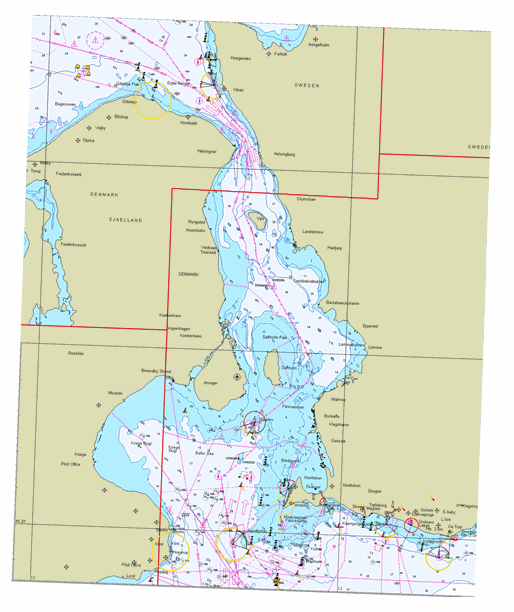
Figure 4.30 Example of georeferenced image file (map.gif)
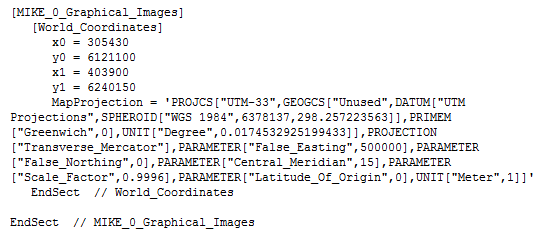
Figure 4.31 Example of DHI world file (map.gifw) for georeferenced image
